%PDF- %PDF-# MSP ReCaptcha
Google reCaptcha module form Magento2.
> Member of **MSP Security Suite**
>
> See: https://github.com/magespecialist/m2-MSP_SecuritySuiteFull
Did you lock yourself out from Magento backend? click here.
## Installing on Magento2:
**1. Install using composer**
From command line:
```
composer require msp/recaptcha
php bin/magento module:enable MSP_ReCaptcha
php bin/magento setup:upgrade
```
**2. Generate public and secret site keys at Google**
https://www.google.com/recaptcha/admin
**3. Enable and configure from your Magento backend config**
Stores > Configuration > Security > Google reCaptcha
{:width="900px" height="auto"}
## Frontend:
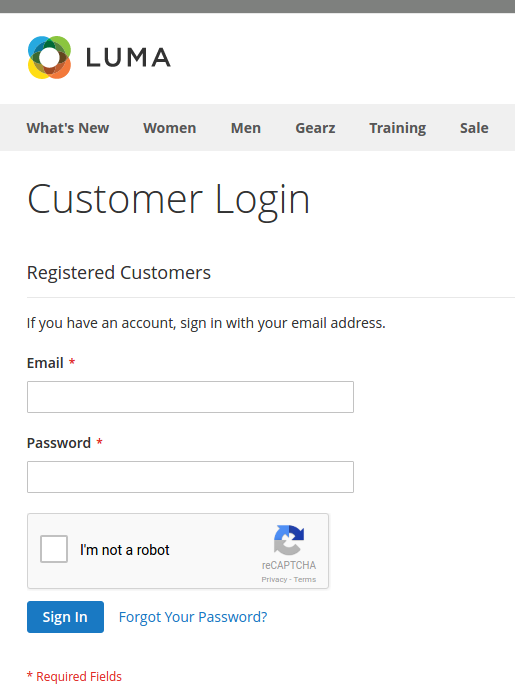
MSP reCaptcha adds a recaptcha control to:
- Login
- Register
- Contact form
- Forgot password
- Send to Friend
### Standard reCaptcha v2
 ### Invisible reCaptcha support
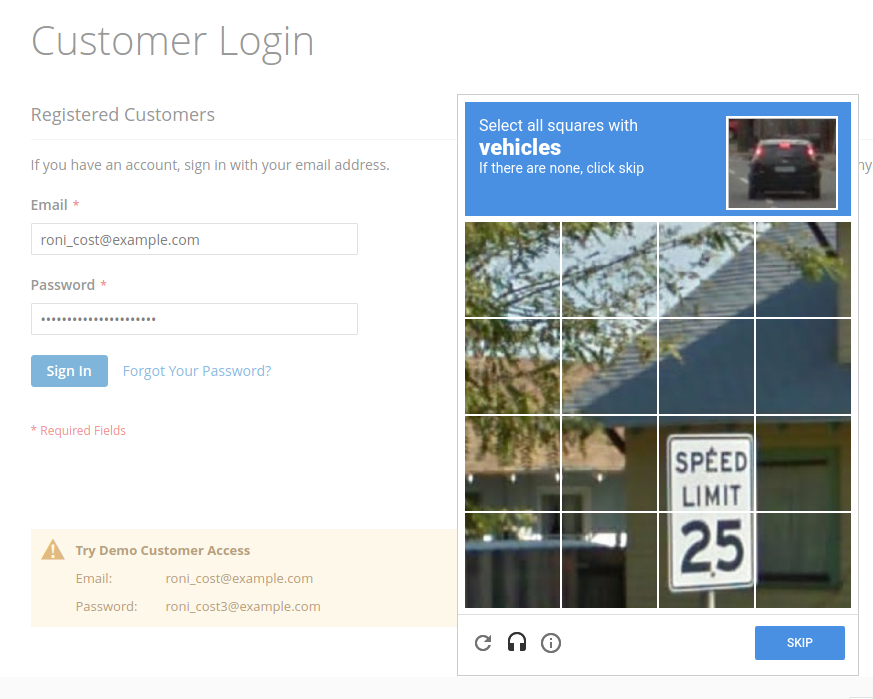
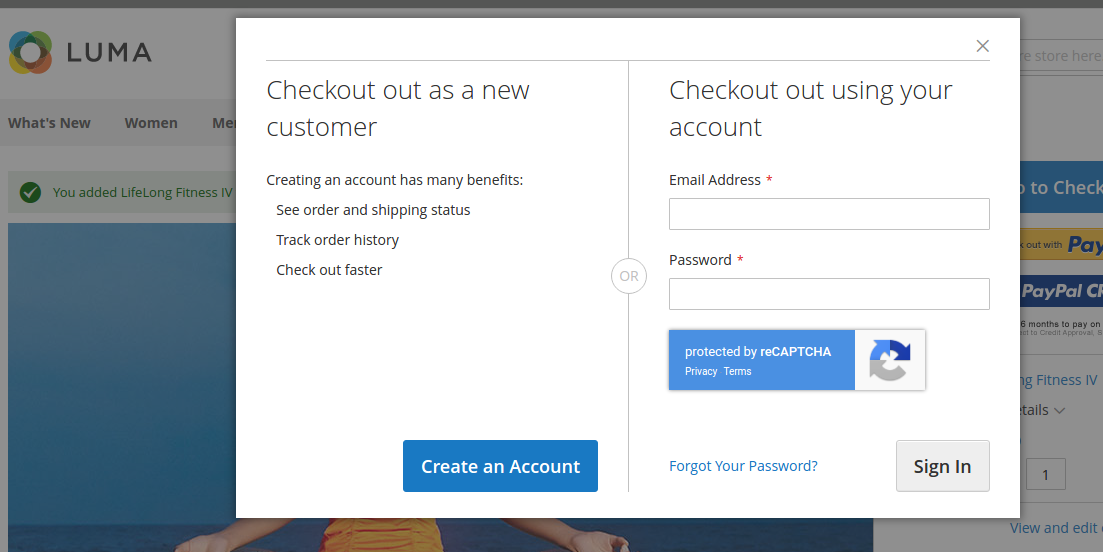
Since version 1.3.0, we support Google invisible reCaptcha to avoid e-Commerce conversions loss.
### Invisible reCaptcha support
Since version 1.3.0, we support Google invisible reCaptcha to avoid e-Commerce conversions loss.
 ## Backend:
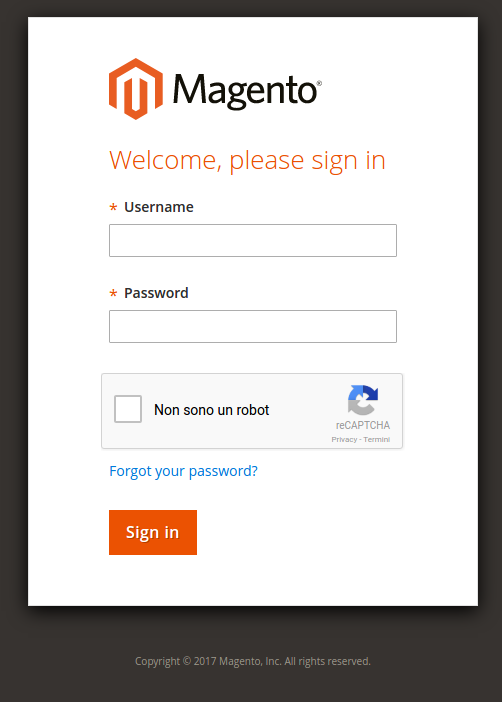
MSP reCaptcha can be optionally enabled on backend login too:
## Backend:
MSP reCaptcha can be optionally enabled on backend login too:
 ## Emergency commandline disable:
If you messed up with reCaptcha you can disable it from command-line:
`php bin/magento msp:security:recaptcha:disable`
This will disable reCaptcha for **backend access**.
## Emergency commandline disable:
If you messed up with reCaptcha you can disable it from command-line:
`php bin/magento msp:security:recaptcha:disable`
This will disable reCaptcha for **backend access**.